

Allowance apps in Norway 2026 — an honest comparison
An honest comparison of the most widely used allowance apps in Norway — strengths and weaknesses for each, including our own Ukelønn.
I thought about how to write this article for a long time. It’s hard to write a comparison of allowance apps when I’ve built one of them myself. It reeks of self-promotion. But I landed on this: if I write honestly, including about our own weaknesses, the article is more useful than if I don’t write it at all.
So here’s what I think about the competitive landscape in Norway in 2026. For full transparency: Ukelønn is my app. I try to be as balanced as I can, but you should read this knowing that I’m not an independent journalist.
A quick word on terminology: ukelønn is the Norwegian word for the weekly allowance children earn, often tied to chores. It’s a long-standing part of Norwegian family culture, and the apps below all revolve around it.
Table: The main allowance apps in Norway 2026
| App | Price | iOS rating (April 2026) | Available to |
|---|---|---|---|
| Ukelønn | Free | 3.38 ★ | Everyone |
| Gimi | Free base version, premium from 49 kr/month (free for Nordea customers) | 3.2 ★ | Everyone, best for Nordea |
| Chores (Chorus) | Free base version, premium from 39 kr/month | 4.1 ★ | Everyone (English) |
| Lommepenger NO | Free for Danske Bank customers | 3.5 ★ | Danske Bank only |
| Spink | Free for SpareBank 1 customers | 3.9 ★ | SpareBank 1 only |
Let’s go through each.
Ukelønn
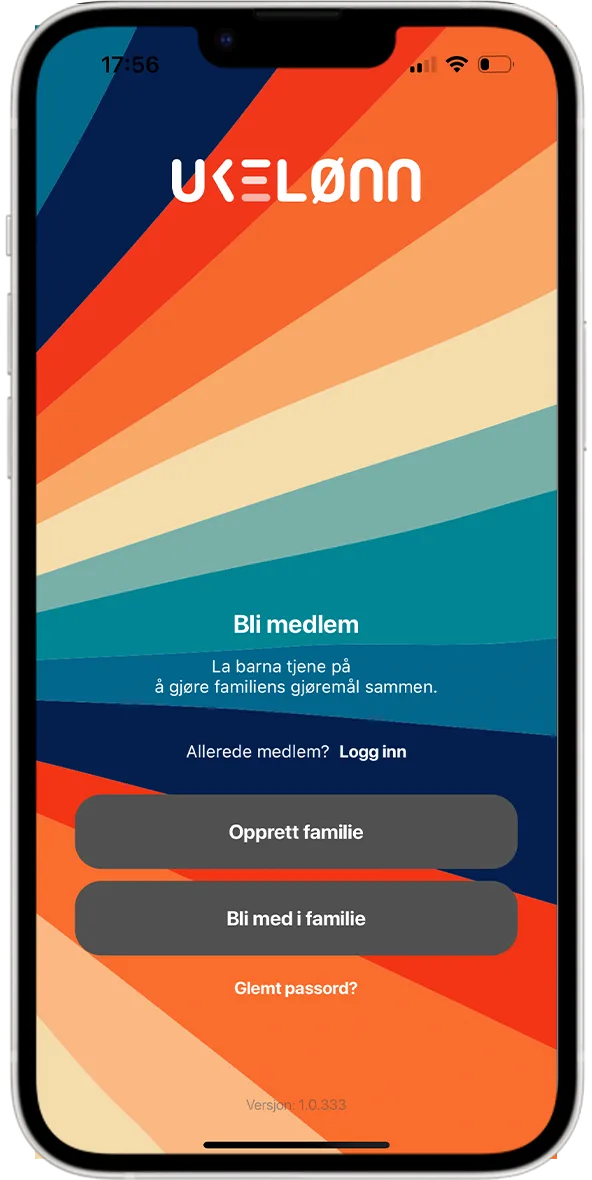
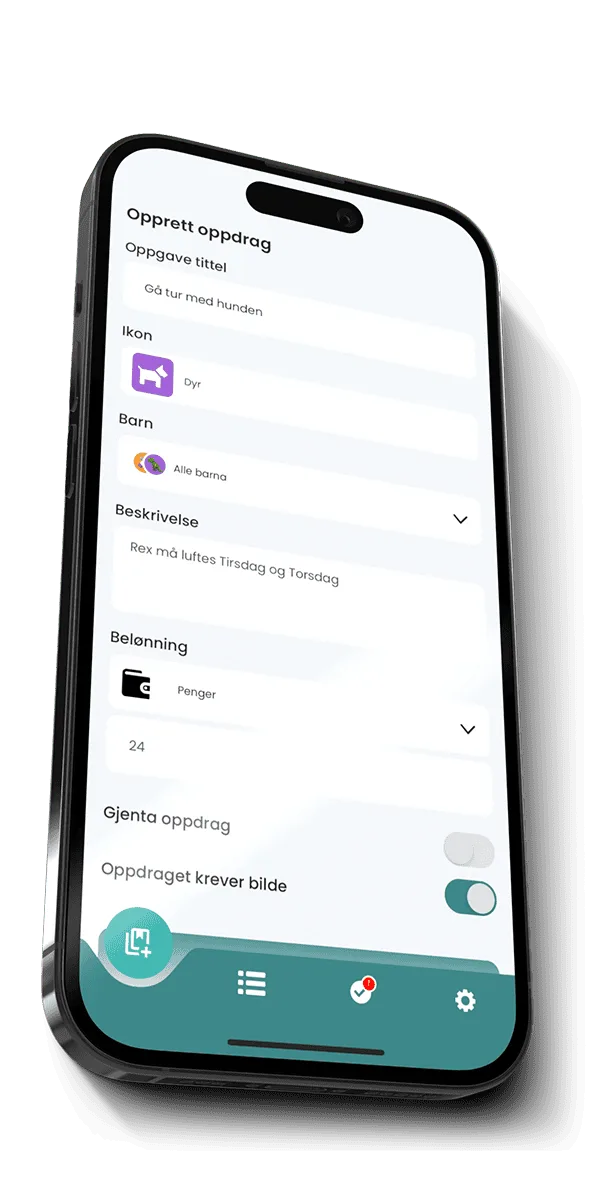
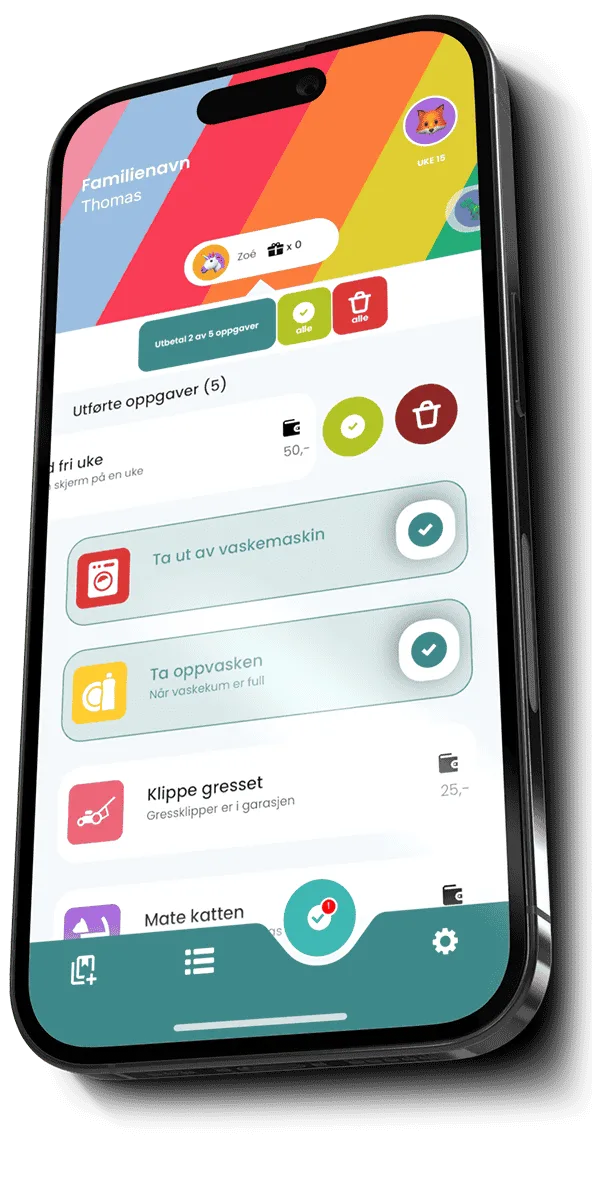
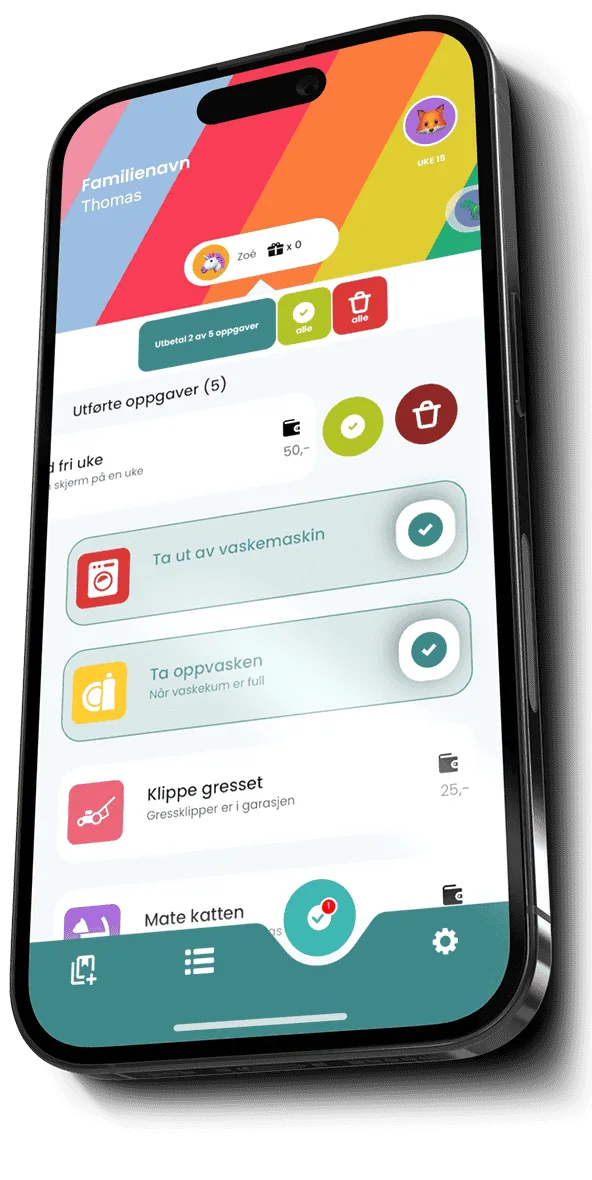
This one’s ours. Norwegian-built, for Norwegian families, free.
Strengths:
- Free, with no subscription lock.
- Norwegian language, terminology and culture from the ground up.
- Automatic reminders and streaks that actually motivate kids.
- No bank lock-in — works for every Norwegian family.
- Active development, regular updates.
Weaknesses:
- A rating of 3.38 ★ is honestly not where we want to be. We’ve had stability problems in the past, especially on Android, and even though we’ve cleaned up a lot, the old reviews are still sitting there.
- No integration with banks. Parents have to transfer money manually (Vipps — Norway’s mobile payment app — cash, or bank transfer).
- We’re a small team. Support isn’t 24/7 — it’s me, mostly.
- The design is functional, not award-winning. We focus on making it work, not on making it beautiful.
Best suited for: Families who want a simple, Norwegian tool that costs nothing and isn’t tied to a bank.
Gimi
Swedish-built, but well established in Norway. It has a large partnership with Nordea — if you’re a Nordea customer you can use premium for free.
Strengths:
- Visually beautiful app with good design.
- Tight bank integration for Nordea customers (automatic transfers).
- Good pedagogy, both in the app and in the surrounding material.
- Works in Norwegian, Swedish, Danish and English.
Weaknesses:
- Without Nordea customer status it’s a subscription, and that’s relatively expensive over time.
- Some features are locked behind premium even for Nordea customers.
- The “Nordic” design sometimes feels more Swedish than Norwegian. Terminology can be odd — veckopeng (the Swedish word for allowance) translated directly without accounting for Norwegian practice.
- A rating around 3.2 ★ reflects users complaining about bugs in the bank integrations and slower support.
Best suited for: Nordea customers who want tight bank integration and are willing to work with an app that’s a little less Norwegian-focused.
Chores (Chorus)
An English/American app that many Norwegian families end up with because it ranks highly on the App Store internationally.
Strengths:
- High rating (4.1 ★) based on a large number of users.
- Excellent design and ease of use.
- Flexible task structure — can be used for everything from “do your homework” to “vacuum.”
- Gamification elements (points, badges) that appeal to many children.
Weaknesses:
- No Norwegian language. The child has to read English.
- No understanding of Norwegian conditions (BSU — a Norwegian tax-favoured youth savings account — Vipps, the tax-free income card young people get, the Norwegian allowance tradition).
- The money system is in dollars/pounds by default — it can be adjusted, but it feels “borrowed.”
- A 39 kr/month subscription for premium; the free version is limited.
- No customer support in Norwegian.
Best suited for: Bilingual families, or families where the children are fluent enough in English that the language isn’t a barrier.
Lommepenger NO
A free app developed by Danske Bank for its customers. If you have a children’s account with Danske Bank, this is a natural choice. (Lommepenger is the Norwegian word for pocket money.)
Strengths:
- Completely free (as long as you’re a Danske Bank customer).
- Tight integration with Danske Bank’s app and accounts.
- Norwegian language, Norwegian terms.
- Predictable performance — it’s run by a bank, after all.
Weaknesses:
- Danske Bank customers only. Not a customer = no access.
- The functionality is geared toward bank connectivity, not pedagogy. Less attention to savings goals, motivation elements, task notifications.
- Slower development. A bank doesn’t move at the same pace as an app startup.
- The design feels more like a banking app than a children’s app.
Best suited for: Families who are already Danske Bank customers and don’t want yet another app outside the bank.
Spink
Very similar to Lommepenger NO, but from SpareBank 1.
Strengths:
- Free for SpareBank 1 customers.
- Good bank integration — transfers happen automatically.
- Norwegian throughout.
- A rating of 3.9 ★ shows that SpareBank 1 has put in the work.
Weaknesses:
- SpareBank 1 customers only (and their alliance banks).
- Same as Lommepenger NO: more bank-focused than pedagogical.
- Limited in features. No advanced task mechanisms or motivation.
- Doesn’t support families where the parents bank with different institutions.
Best suited for: SpareBank 1 customers who are happy with simple, bank-linked solutions.
Other apps worth considering
There are a few more I don’t have room to go into depth on:
- Otly — American, nice design, poor fit for Norway.
- Allowance+ — iOS only, English, cash-focused.
- Banqer — really a school app, but some families use it at home.
None of these reach the same level of adoption in Norway as the five I’ve covered above.
What should you choose?
There’s no one-size-fits-all. Here’s my practical sorting:
- Do you have Nordea, and are you willing to work with Swedish-leaning design? → Gimi
- Do you have Danske Bank and care most about integration with the bank account? → Lommepenger NO
- Do you have SpareBank 1 and want simplicity? → Spink
- Do you want a free, Norwegian, bank-neutral app? → Ukelønn
- Are the kids fluent in English and do you value design above all? → Chores
My honest recommendation: try several. All of these have a free version. Download two or three, test them over a weekend, and see which one the kids actually want to use. It’s worth the hour it takes.
One thing none of the apps do well
I want to be honest about one thing none of us has properly solved yet: the link between the app and real money.
All these apps are a “wallet on paper” — they show what the child should have, but the money sits in the parents’ bank. The transfers are done manually (with the exception of the bank-linked apps that do it semi-automatically for their customers). It’s a friction every family notices.
We at Ukelønn think about this. It’s complex — it requires financial regulatory approval, bank integrations, and a lot of money. I think that’s where the field will move over the next five years, but none of us are there yet.
Closing words
For full transparency: Ukelønn is our product. I think it’s good. But that doesn’t mean it’s right for everyone. If you’re a Nordea customer and you like Gimi better, use it. If you want the most polished design and don’t care about language, go with Chores.
What matters is that your family uses some structured way to talk about allowance and saving. Whatever app, whatever method. It’s better to use a bad app than no app. And it’s better to use a good method without an app than a bad method with the prettiest app.
If you want to read more about the allowance concept itself — not the apps — start with how much allowance in 2026 or allowance vs pocket money.
And if you’re curious about the story behind Ukelønn, I’ve written about it in why we built Ukelønn.